Vinyl cutting + transfer printing

Cut it. Print it.
All in one easy app.

Design lettering and send it straight to your vinyl cutter, or open a photo, remove the background and print a transfer. So simple anyone can use it.

Pay once, no subscriptionWorks offlineWindows 10 & 11
Maker Pro Studio
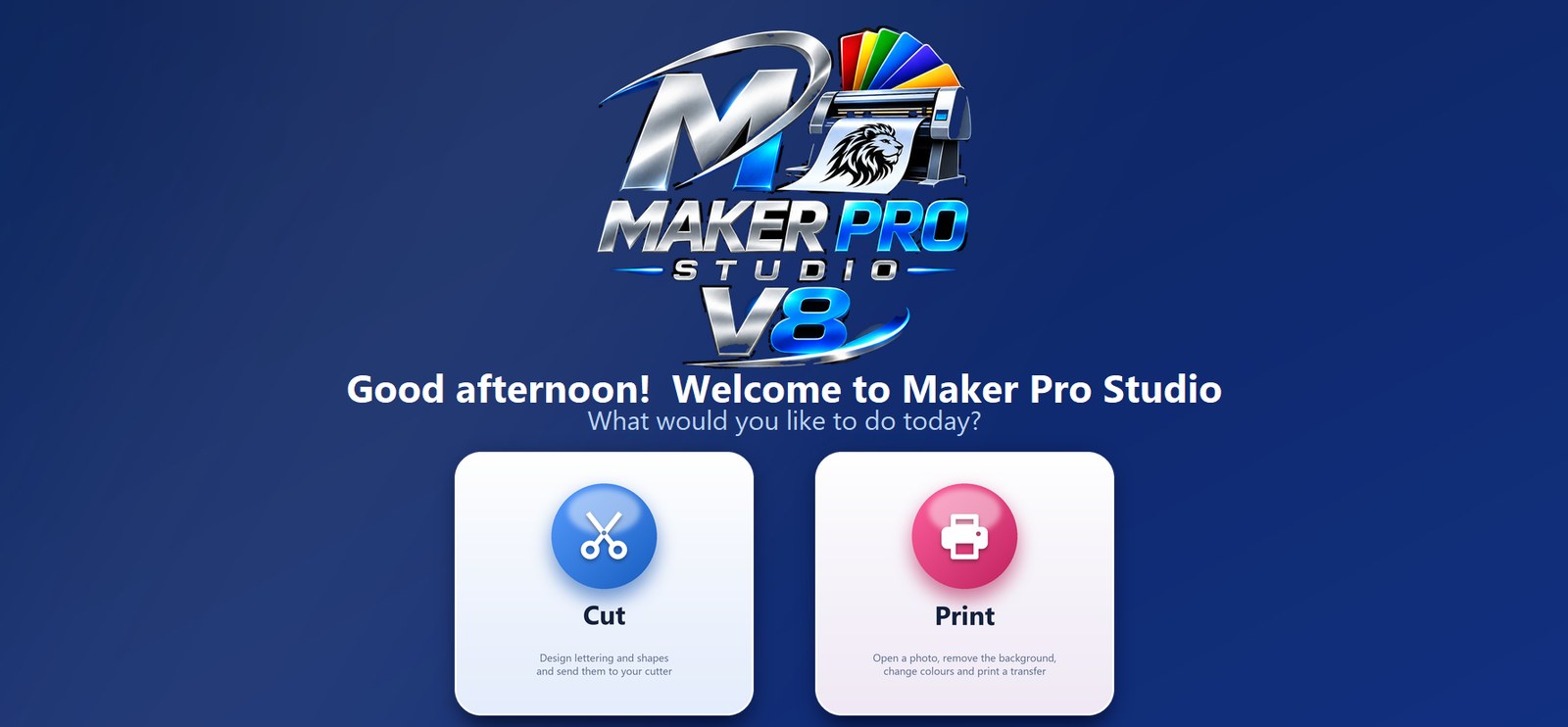
Maker Pro Studio welcome screen asking: what would you like to do today, Cut or Print?

Two studios. One simple app.

Open Maker Pro Studio and pick what you want to do today. Work in both at once and switch between them without losing anything.

Cut Studio

Design it and send it to your cutter

  • Type your text and see every font preview live, including Maker Pro's own fonts
  • Arc text, shadows, outlines and weed borders in a click
  • Open SVG, EPS, AI and PDF files, or just drag them in
  • Turn any picture into clean cut lines with Trace
  • Finds your cutter by itself as soon as it's plugged in (tested with the USCutter MH-721)
  • Cut preview with mirror for heat-transfer vinyl

Print Studio

Clean up a photo and print a transfer

  • Remove the background in one click, plus an AI remover for tricky photos
  • Magic Eraser: click any patch to wipe it away
  • Click to change colours, then crop, rotate or mirror
  • Enhance blurry, low-quality pictures
  • Print preview: drag and size your design in inches, from letter up to 13×19
  • Send a design to the Cut Studio with one click

Made for real shirt and sign makers

Everything you need, nothing you don't.

Super simple

Big, friendly buttons and only the choices you need. No more getting lost like in Photoshop.

Plug and play

Plug in your cutter or printer and it connects by itself. No driver hunting or setup screens.

Works offline

Activate once, then design and cut with no internet needed.

Free updates

New features arrive by themselves. One click and you're on the latest version.

Pay once

$59.99 and it's yours. No monthly subscription, ever.

2 computers

Use one licence on two computers, like your shop and your home office.

One simple price

Try it free for 14 days. Buy when you're ready.

Maker Pro Studio

$59.99 one time

No subscription. No hidden fees.

  • Cut Studio + Print Studio
  • Licence for 2 computers
  • Free updates
  • Works offline after activation
  • Windows 10 and 11
Buy Now – $59.99 or start your free 14-day trial

Questions

What computers does it run on?

Windows 10 and Windows 11 PCs. It isn't available for Mac yet.

Which vinyl cutters does it work with?

Maker Pro Studio is tested with the USCutter MH-721 and finds it by itself when it's plugged in by USB. If you have a different cutter, email us before you buy and we'll tell you if it's supported.

How does the free trial work?

Install it and use every feature free for 14 days. When you buy, type in the licence key from your receipt email and keep going. Your designs stay right where they are.

Do I need the internet?

Only once, to activate your licence. After that it works offline. It checks in now and then when you're online, and that's also how it finds free updates.

Can I use it on more than one computer?

Yes, your licence works on 2 computers. Getting a new PC? Use "Move to another computer" in the licence screen to free up a spot.

How do I get updates?

They're free. When a new version is ready, Maker Pro Studio tells you, and one click installs it. Your designs, settings and licence are kept.

I need help. Who do I contact?

Email customtshirt73@gmail.com and we'll get back to you.
Ready to make something?

Cut and print from one easy app, starting today.

Buy Now – $59.99